 Image 1 of 5
 Image 2 of 5
 Image 3 of 5
 Image 4 of 5
 Image 5 of 5
Get this tutorial and more in the Toys Mega Bundle!

Don't just play with toys--make your own! Use these step-by-step tutorials to learn how to create 3D Printable toys. This Mega Bundle includes complete tutorials to show you how to create:
a Toy Car (Level 1)
a Fidget Spinner (Level 1)
a Lego-style Building Brick (Level 1)
a Rip 'n Spin Toy (Level 2)
a Complete Building Brick Set (Level 2)
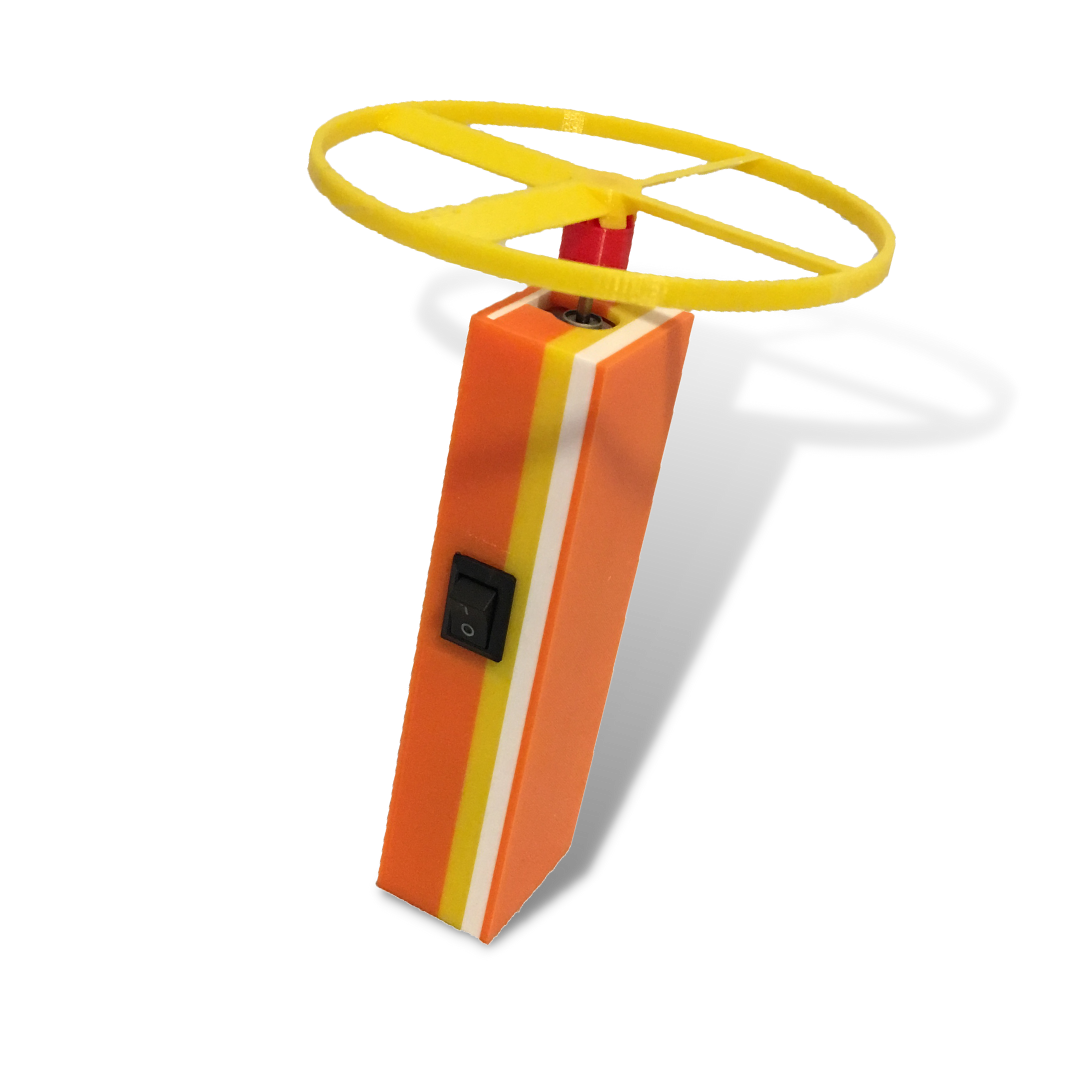
a Motorized Flying Saucer (Level 2+)
The Bundle also includes 3 Level 3 guided projects to help you and your students create:
a Building Brick Set with Specialty Pieces
a Press-Fit Toy (made up of different pieces that are snapped together)
a uniquely-designed Puzzle Cube
Also available in the Beginner Mega Bundle!

With this bundle you will get some of the best projects for getting started with 3D design. These projects are great for introducing you to Tinkercad, and most of them are quick prints, too!
a building brick (with or without personalization) - compatible with standard building bricks
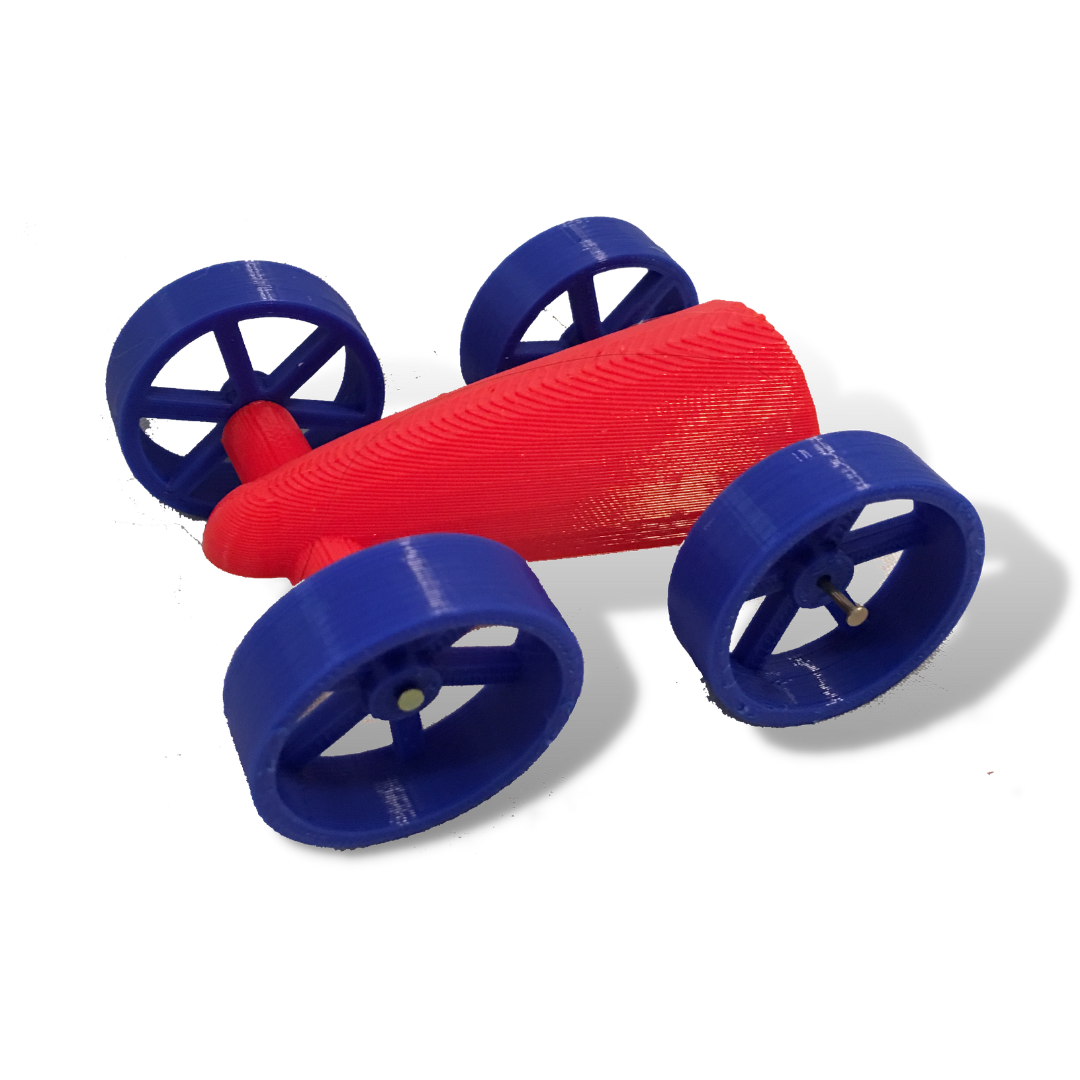
a toy car
a fidget spinner
a pencil holder
a bird window hanger
a nametag
a personalized keychain / zipper pull
a bookmark
a storage box
Car
Level: 1
Supplies Needed:
You will need M2 12 mm bolts to attach the wheels to the car. You can buy those here.
Formats: The downloadable .zip file will have the tutorial in the following formats:
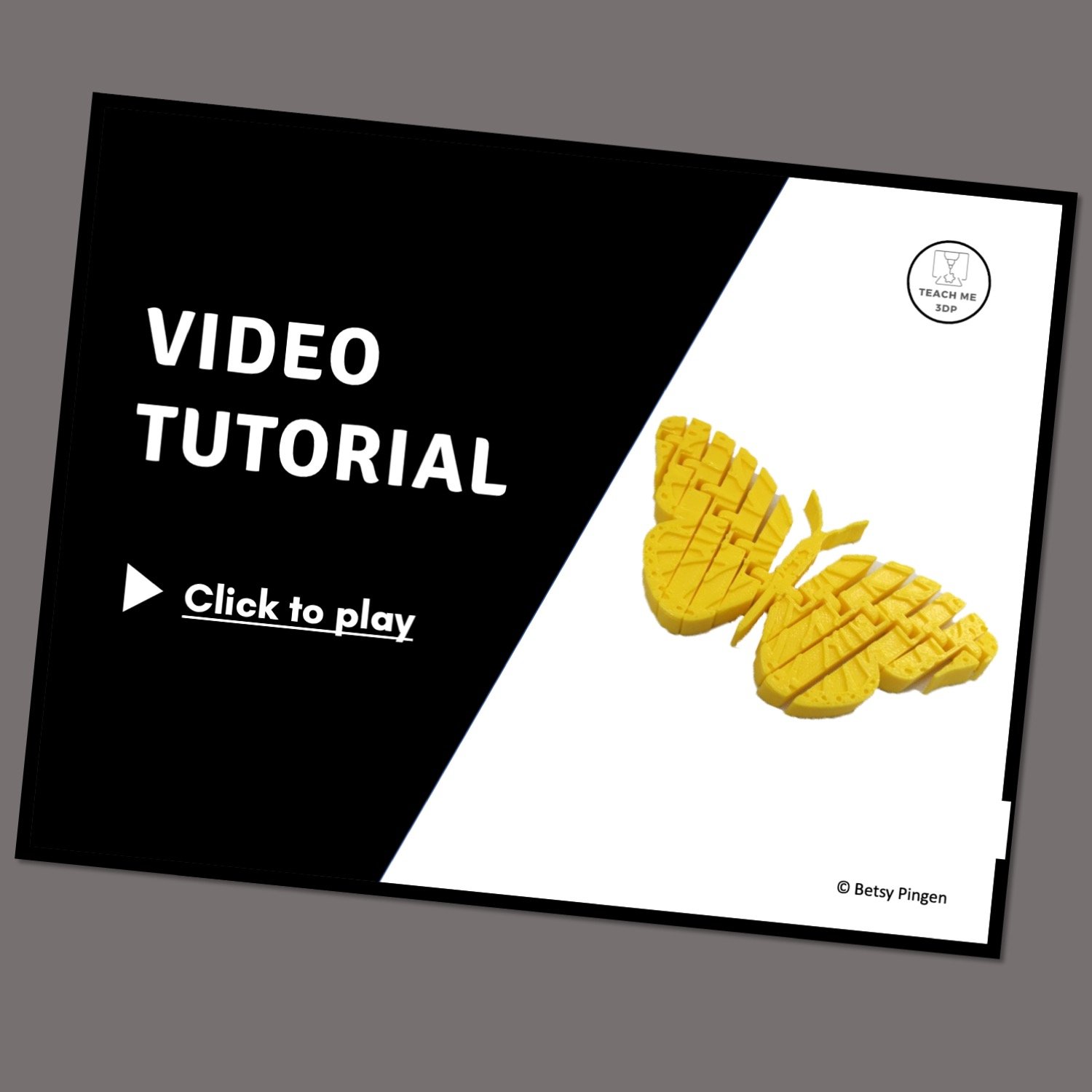
Video: Follow along with the step-by-step video to create your own project. Play and pause as often as you need to. You can view the video on a computer, a tablet or your phone.
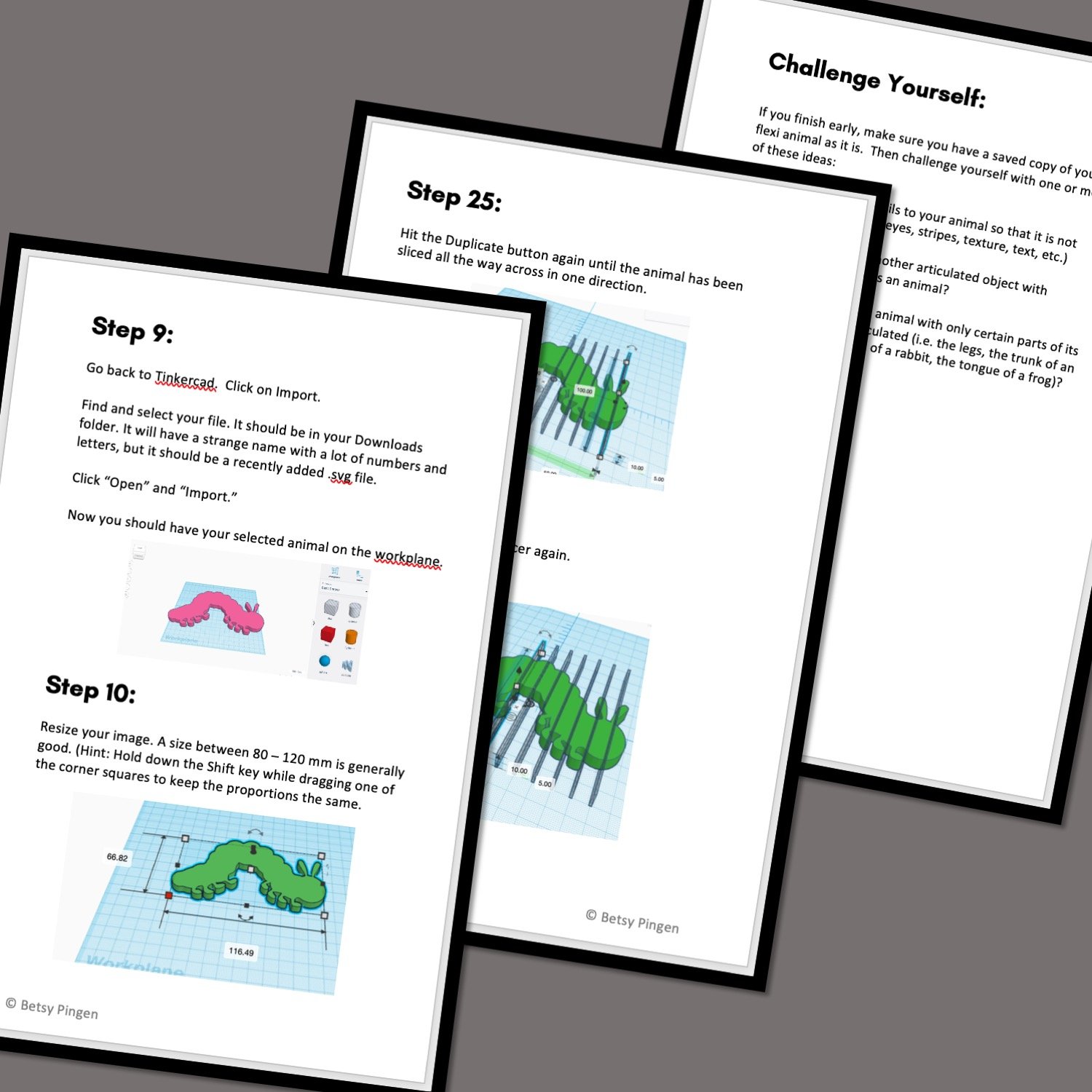
On Screen Tutorial: Scroll through the steps on your computer, tablet or phone. This .pdf file contains a picture and description for every step.
Printed Booklet: This .pdf file is designed to be printed double-sided on the short edge. Fold the stack of papers in half and staple along the fold to create a booklet that you can hold in your hand as you complete the steps on screen.
Print Time*:
4 Wheels - 1:06
Car Body - 45 minutes
*Print Times vary significantly based on the printer and settings used. All print times are calculated for a Prusa MK3S printer using the settings described in the tutorial.