 Image 1 of 5
 Image 2 of 5
 Image 3 of 5
 Image 4 of 5
 Image 5 of 5
Get this tutorial and more in the Make It Move Mega Bundle!

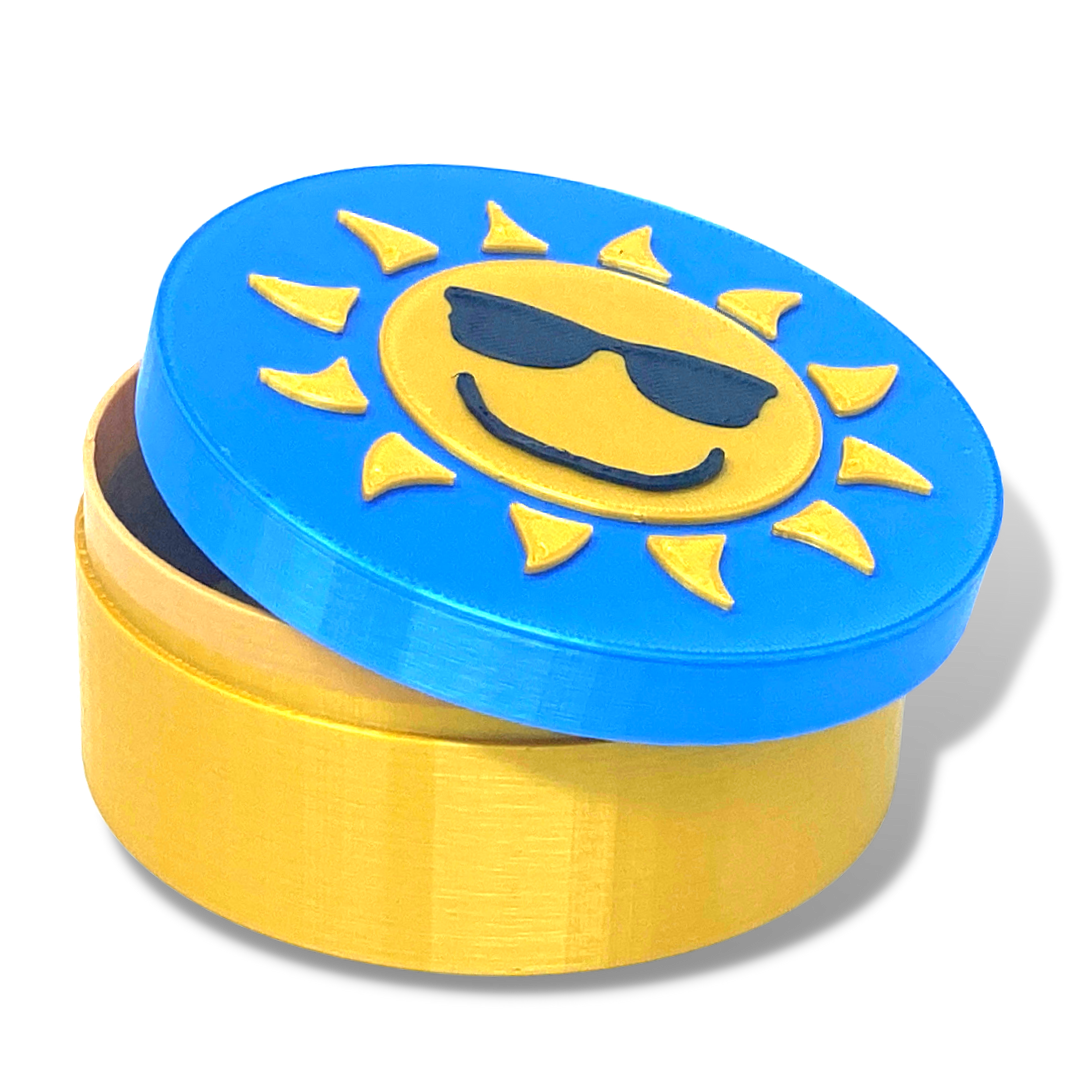
Use these step-by-step tutorials to learn how to create 3D Printable objects that move. Each project can be used "just for fun" or for demonstrating important scientific concepts, such as air pressure, center of gravity, electrical circuits and heat transfer. This Mega Bundle includes complete tutorials to show you how to create:
a Marble Run (Level 1 - teach gravity, potential energy)
a Stomp Rocket (Level 1 - teach air pressure, center of gravity, drag)
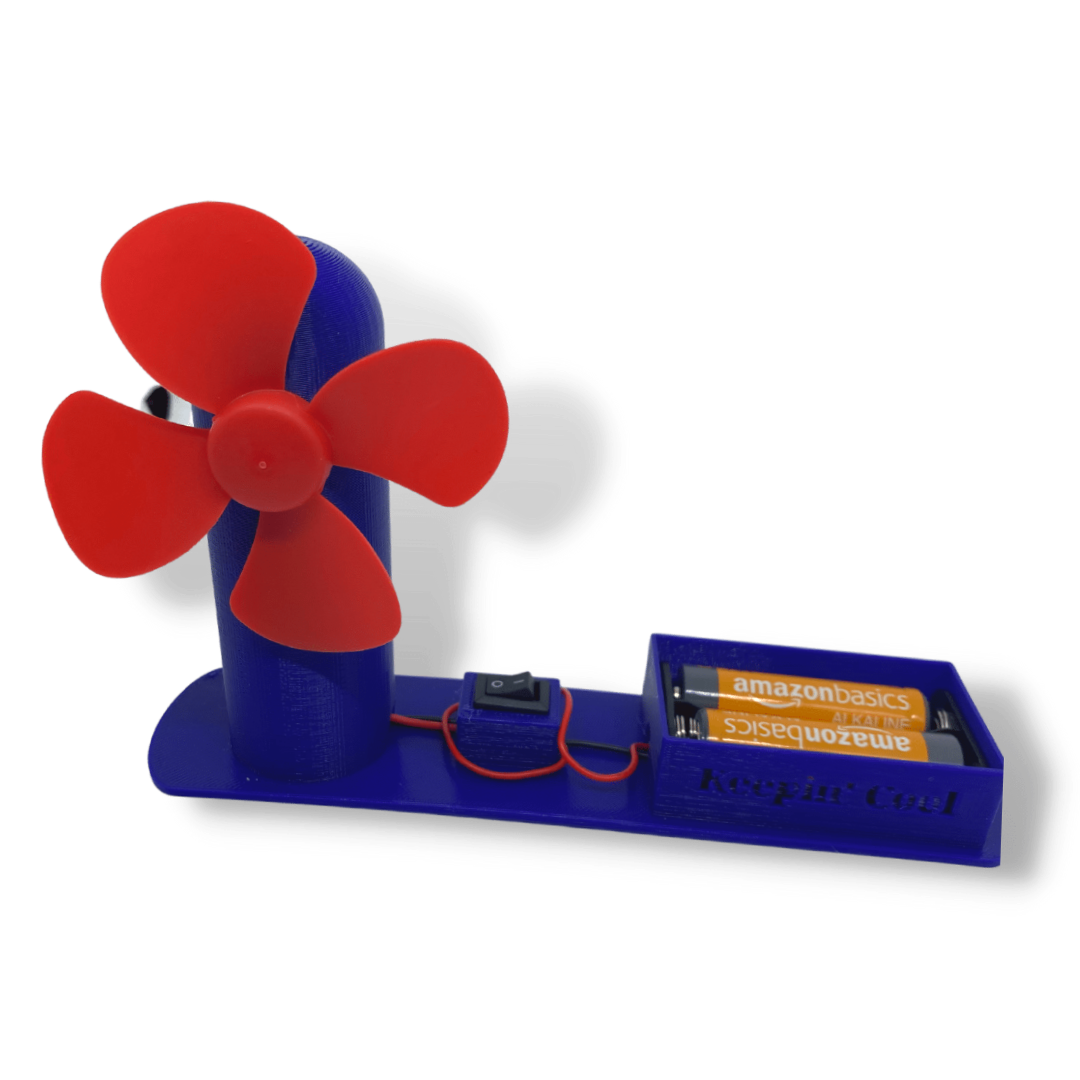
a Desktop Fan (Level 2 - teach electrical circuits)
a Bobblehead (Levels 1 & 2 - teach center of gravity)
a Crazy Pendulum (Level 2 - teach pendulums, conservation of energy, chaotic motion)
a Pyramid (Level 1+ - teach convection heat transfer)
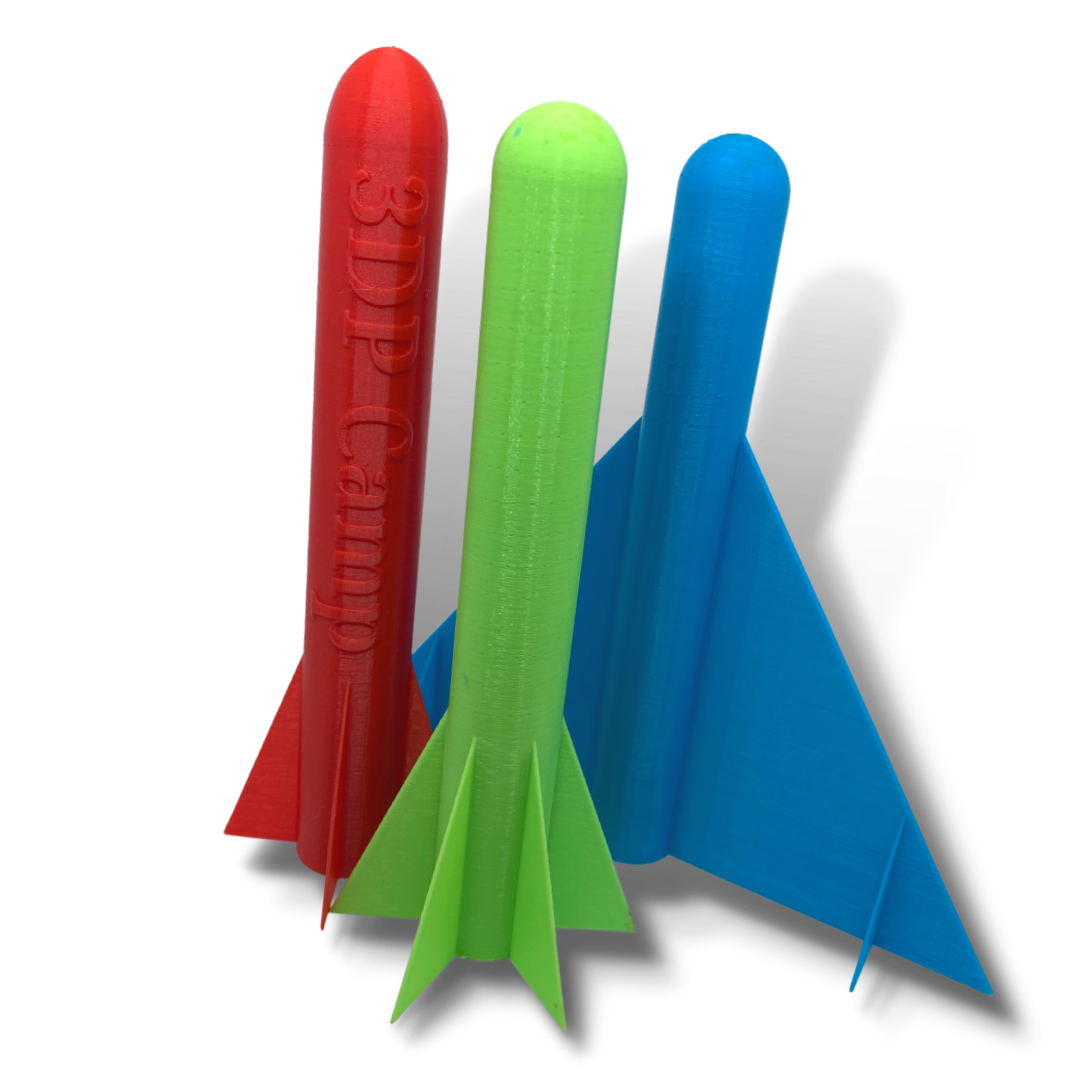
Stomp Rocket
Level: 1
Supplies Needed: None
Formats: The downloadable .zip file will have the tutorial in the following formats:
Video: Follow along with the step-by-step video to create your own project. Play and pause as often as you need to. You can view the video on a computer, a tablet or your phone.
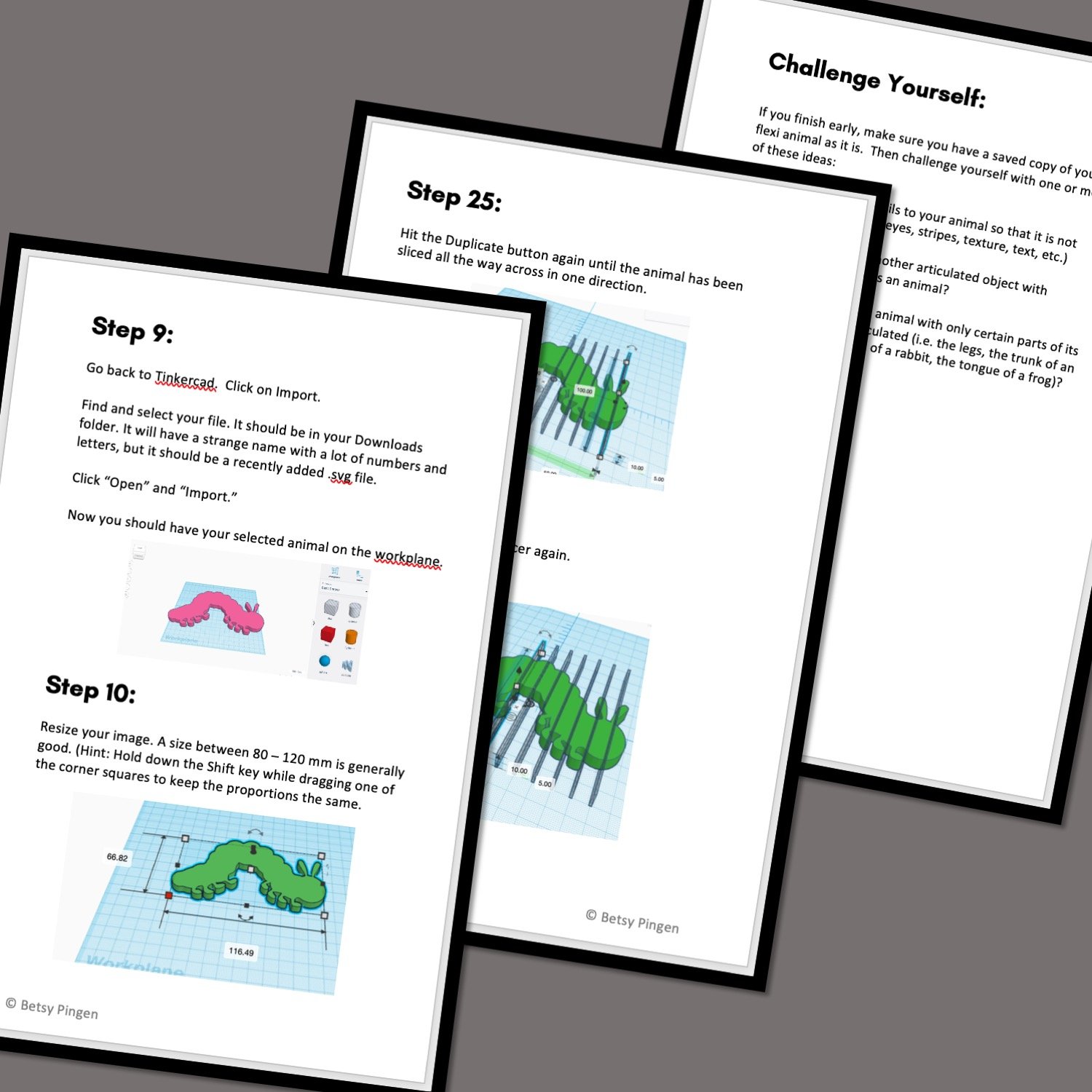
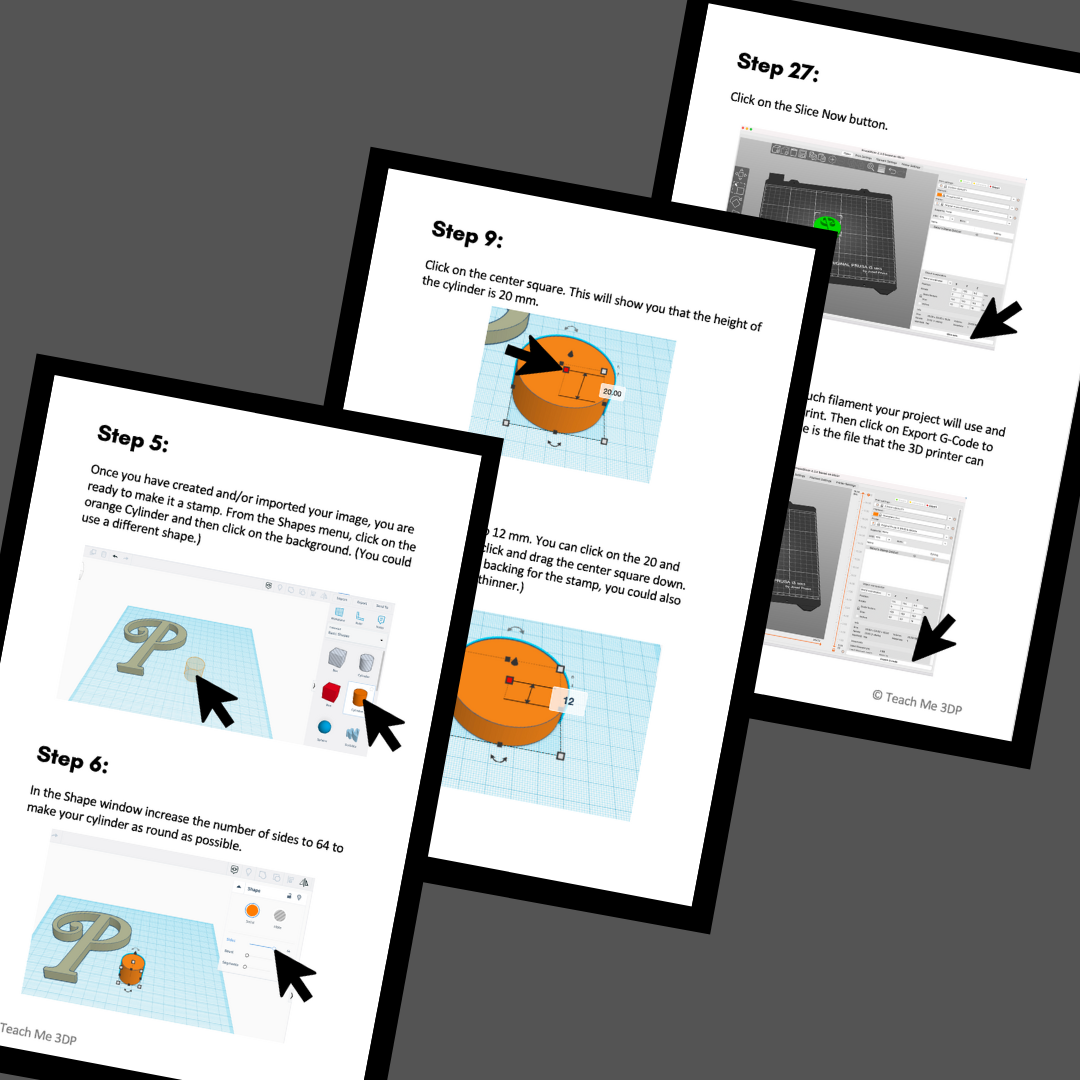
On Screen Tutorial: Scroll through the steps on your computer, tablet or phone. This .pdf file contains a picture and description for every step.
Printed Booklet: This .pdf file is designed to be printed double-sided on the short edge. Fold the stack of papers in half and staple along the fold to create a booklet that you can hold in your hand as you complete the steps on screen.
Print Time*:
Nose Cone - 28 minutes
Rocket Body - 2:38
Rocket Fins - 45 minutes
*Print Times vary significantly based on the printer and settings used. All print times are calculated for a Prusa MK3S printer using the settings described in the tutorial.