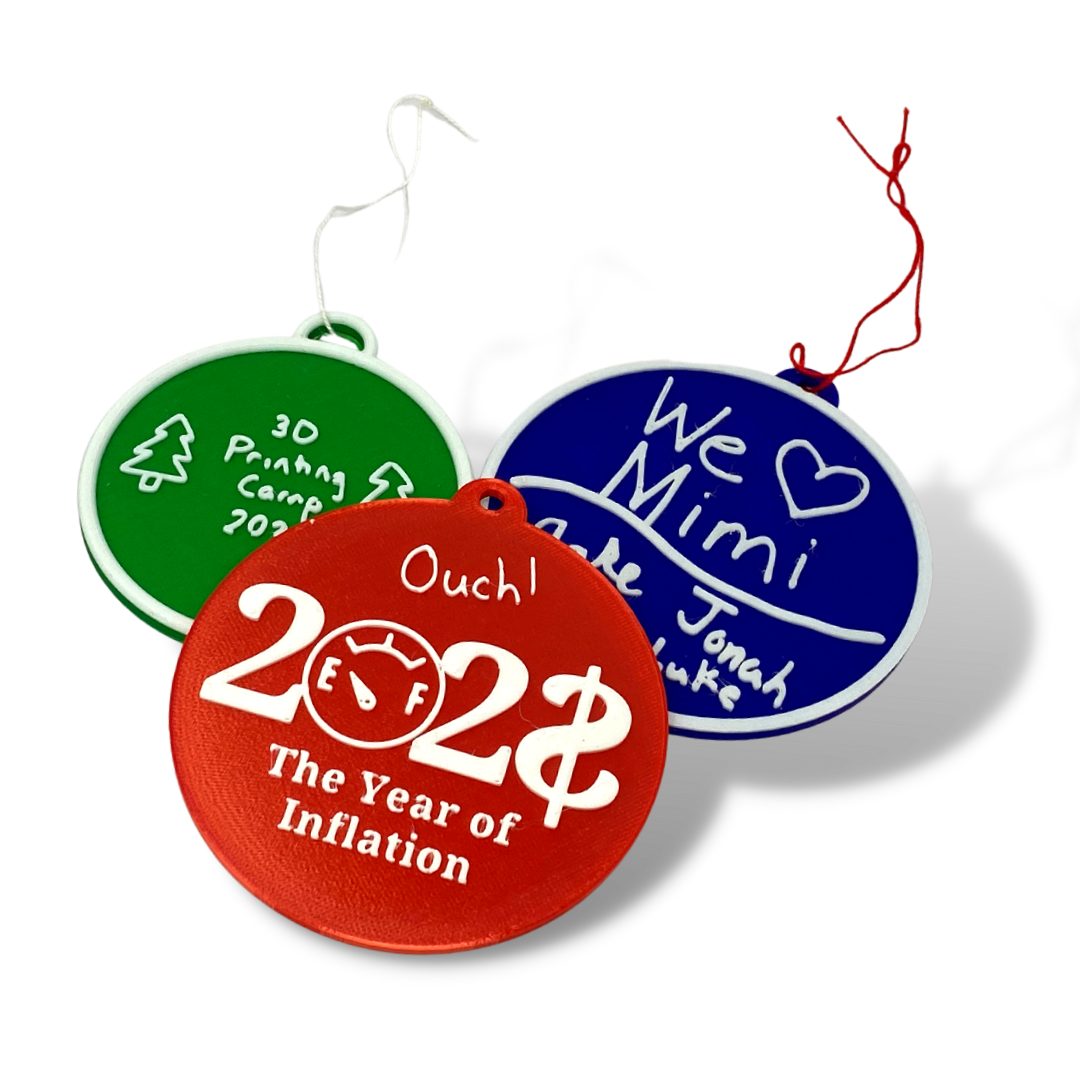
 Image 1 of 5
 Image 2 of 5
 Image 3 of 5
 Image 4 of 5
 Image 5 of 5
Get this tutorial and more in the Christmas Mega Bundle!

Christmas is in the air and on the 3D printer! Use these step-by-step tutorials to teach your students (or yourself) how to create 3D Printable objects. This Mega Bundle includes complete tutorials to show you and your students how to create:
a Round Ornament (for single-color printers) (Level 1)
a Christmas Ornament (for multi-material printers) (Level 1)
Charms (Level 1)
a Gift Box (Level 1)
a Christmas Tree (Level 2)
a Snowglobe (Level 2)
a Gyroscope (Level 2)
The Bundle also includes a Level 3 guided project to help you and your students use the Engineering Design Process to create a lighted design.
Round Ornament
Level: 1
Supplies Needed: None
Formats: The downloadable .zip file will have the tutorial in the following formats:
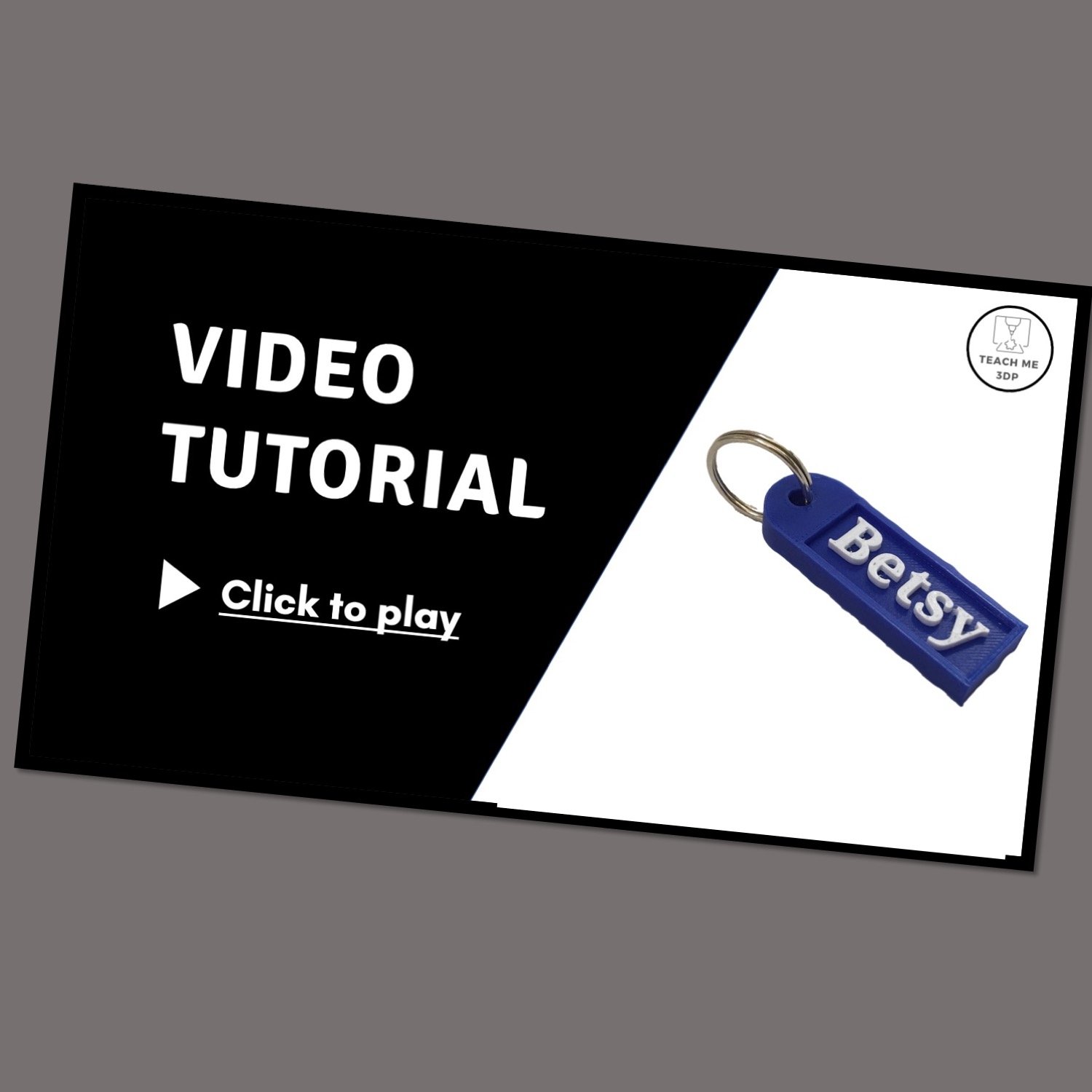
Video: Follow along with the step-by-step video to create your own project. Play and pause as often as you need to. You can view the video on a computer, a tablet or your phone.
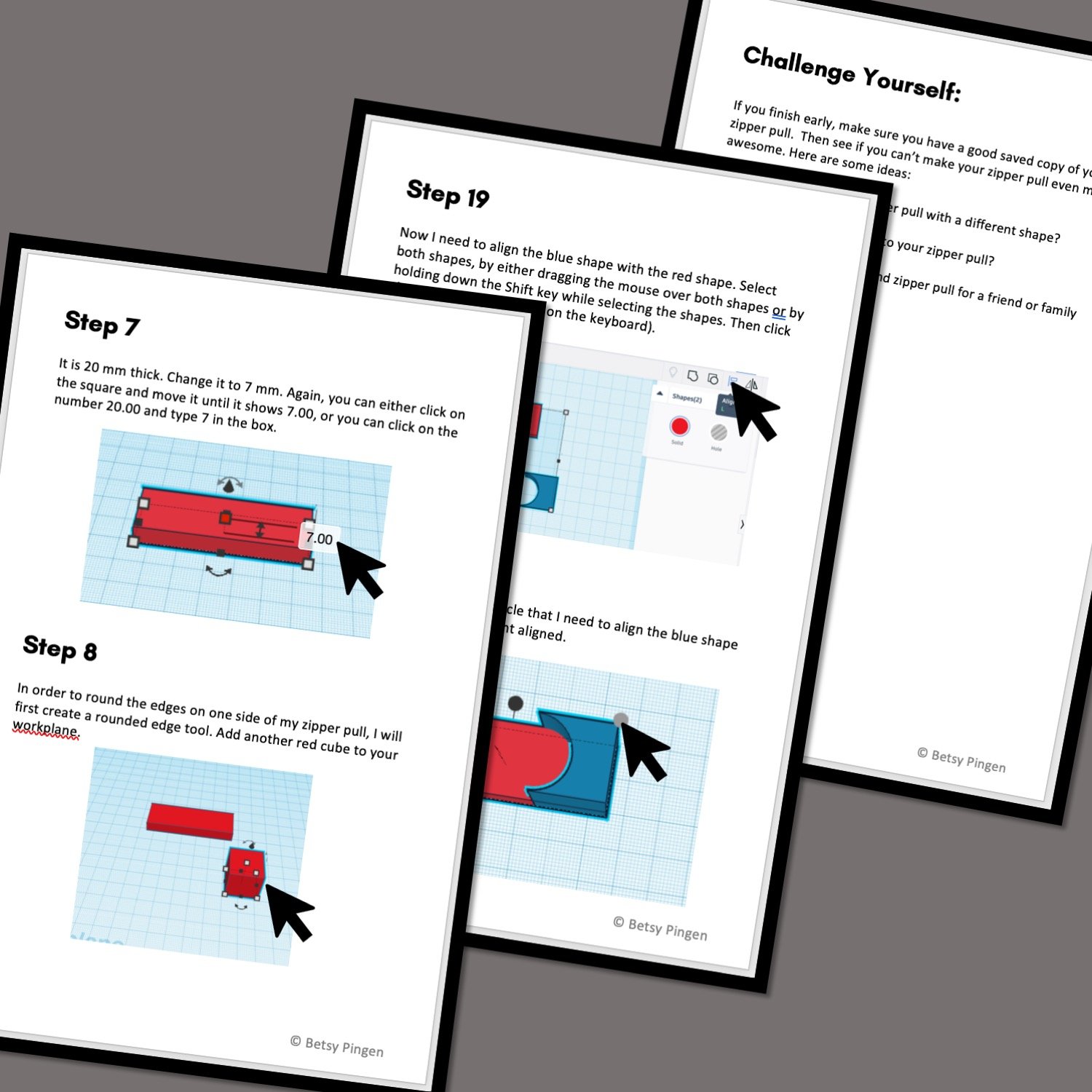
On Screen Tutorial: Scroll through the steps on your computer, tablet or phone. This .pdf file contains a picture and description for every step.
Printed Booklet: This .pdf file is designed to be printed double-sided on the short edge. Fold the stack of papers in half and staple along the fold to create a booklet that you can hold in your hand as you complete the steps on screen.
Print Time*: 57 minutes
*Print Times vary significantly based on the printer and settings used. All print times are calculated for a Prusa MK3S printer using the settings described in the tutorial.